iPhone · Mac · free
Small tools that help you on WhatsApp.
We use WhatsApp every day, so we built the small things we kept needing: chat a number without saving it, send ready-made messages and places, and keep your reactions at hand.
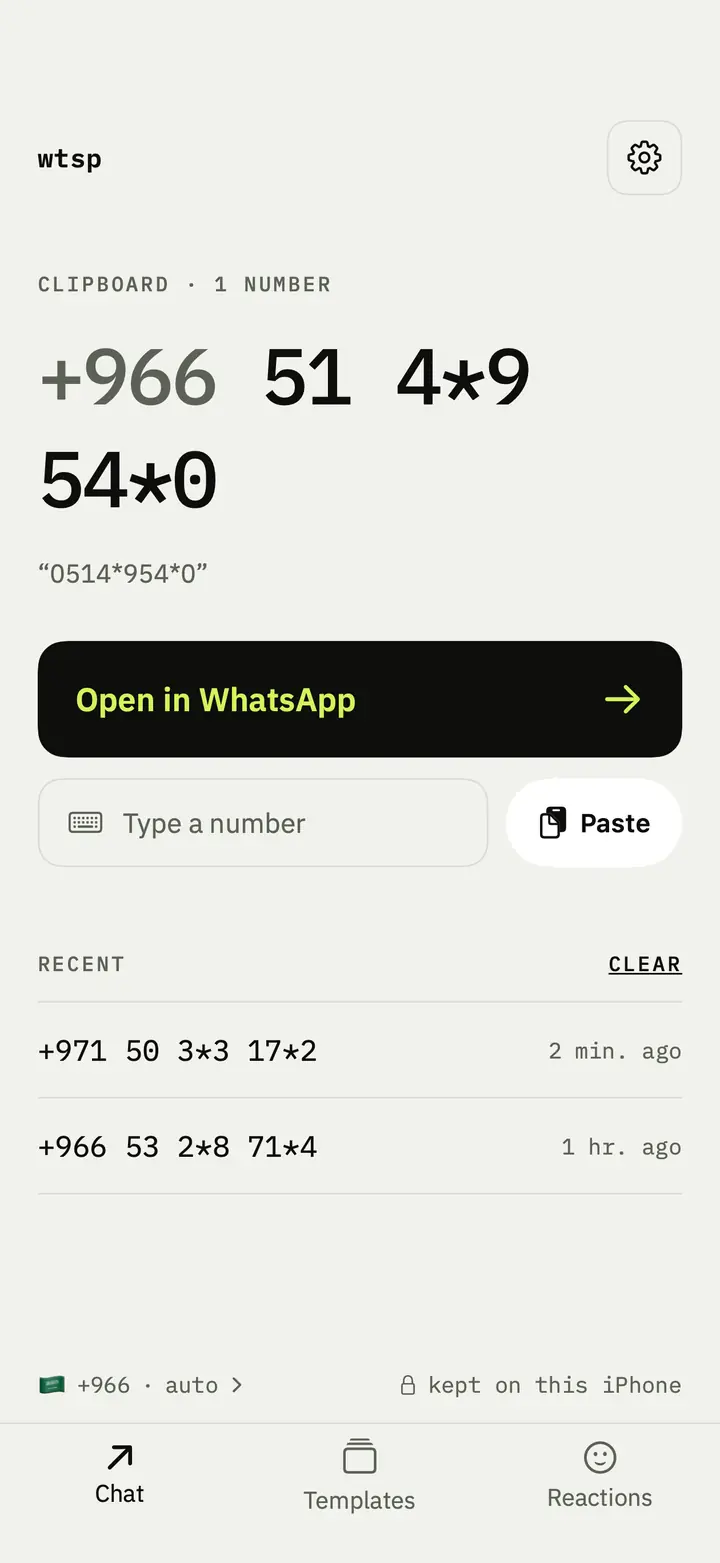
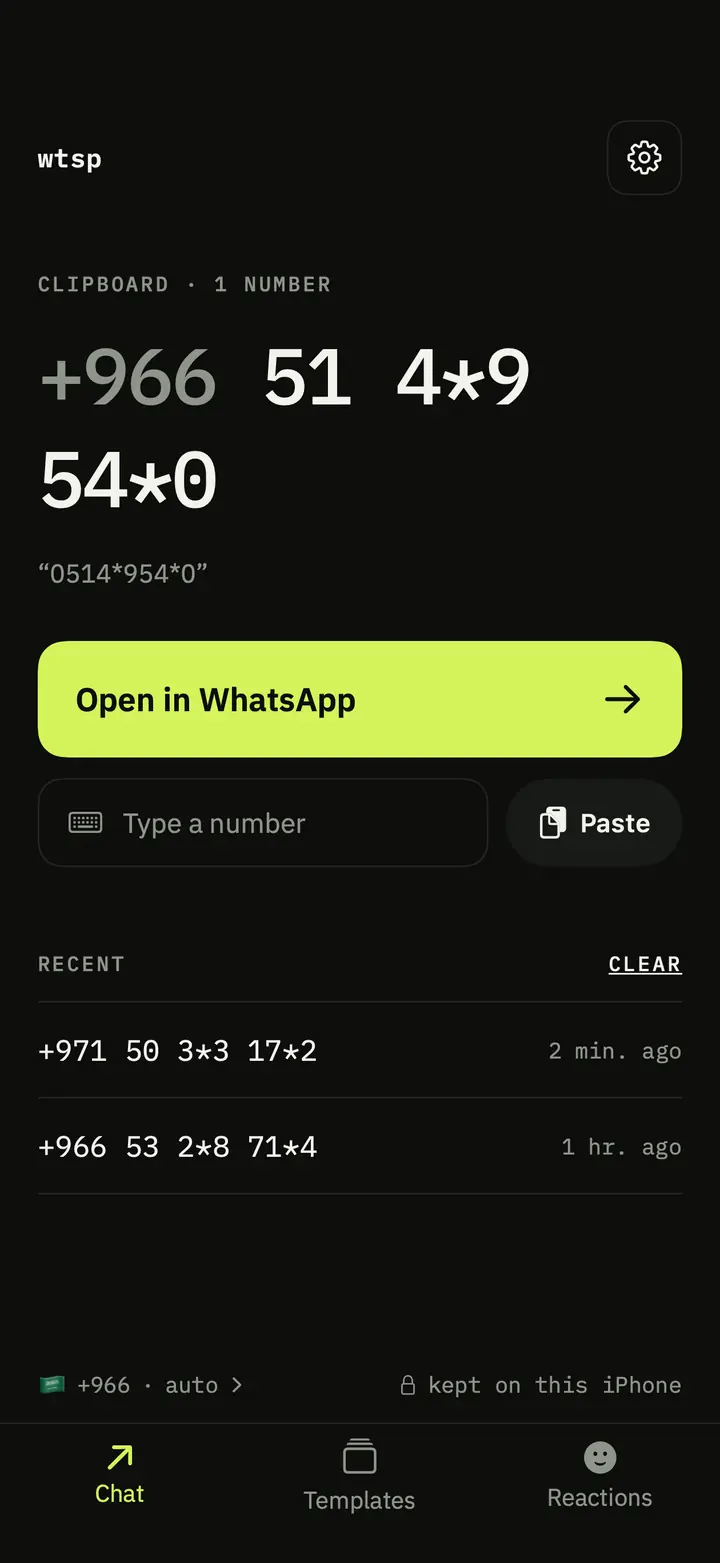
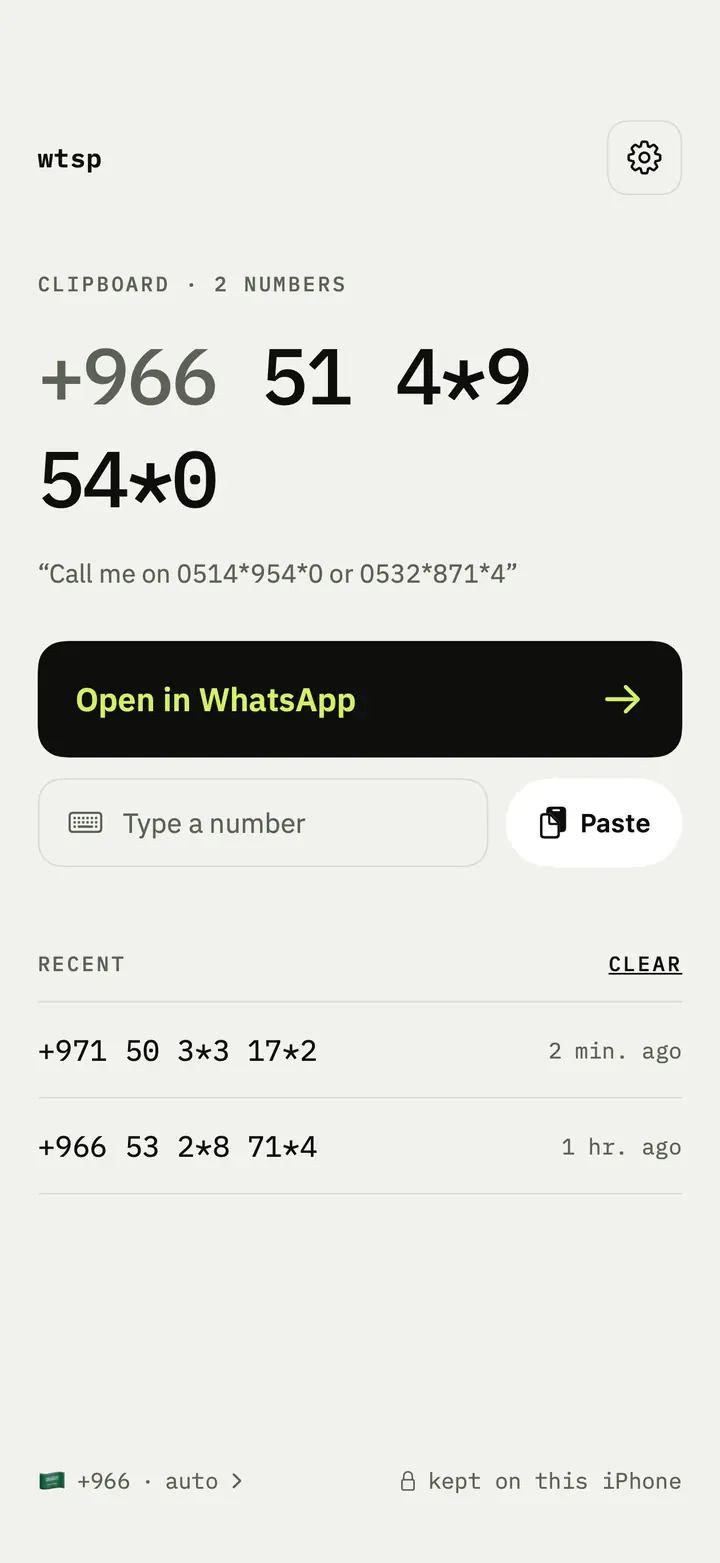
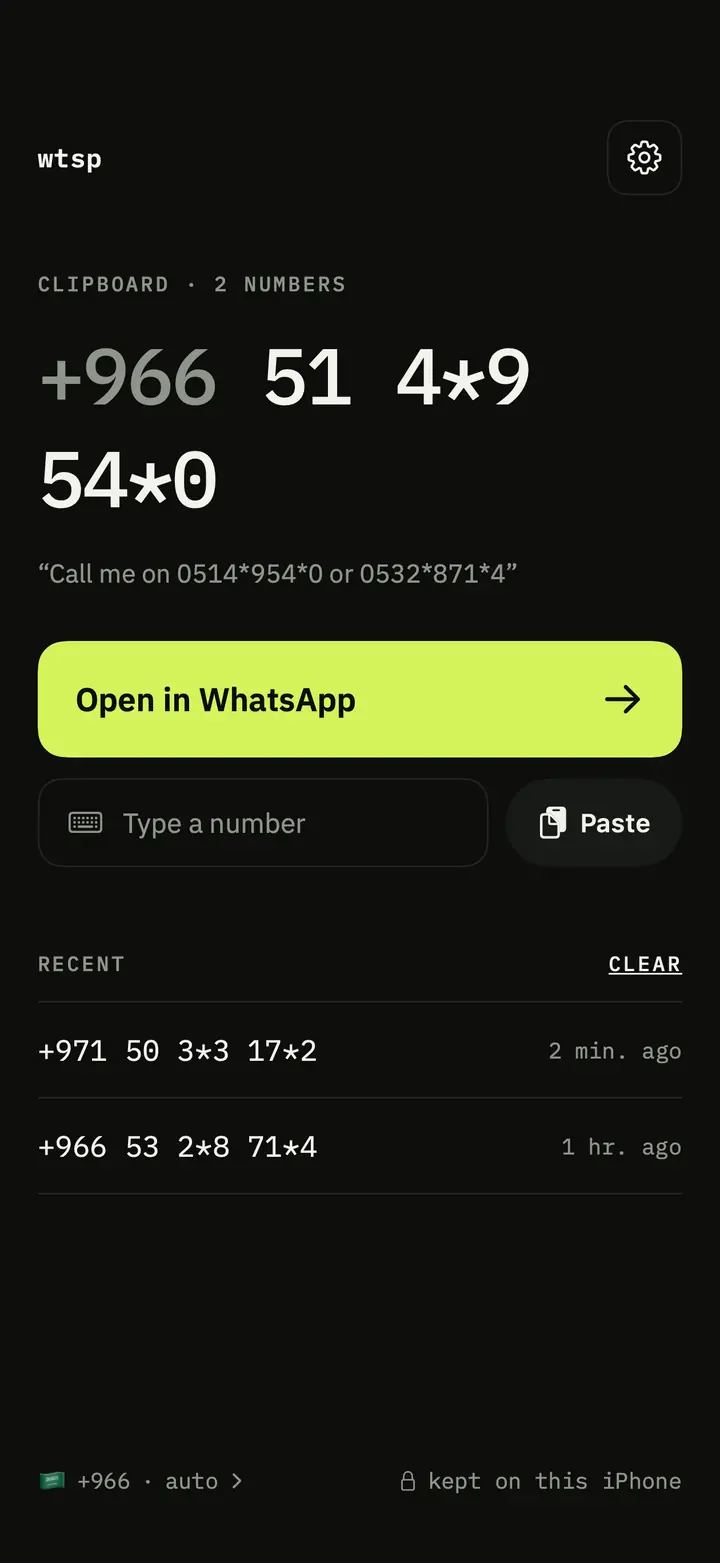
Chat a copied number
Start a WhatsApp chat with any number, without saving it to your contacts.
- Copy a number from a message, an ad, an email or a website.
- Open wtsp and tap Open, or tap the widget to go straight in.
- The chat opens. Nothing is added to your contacts.
Messages
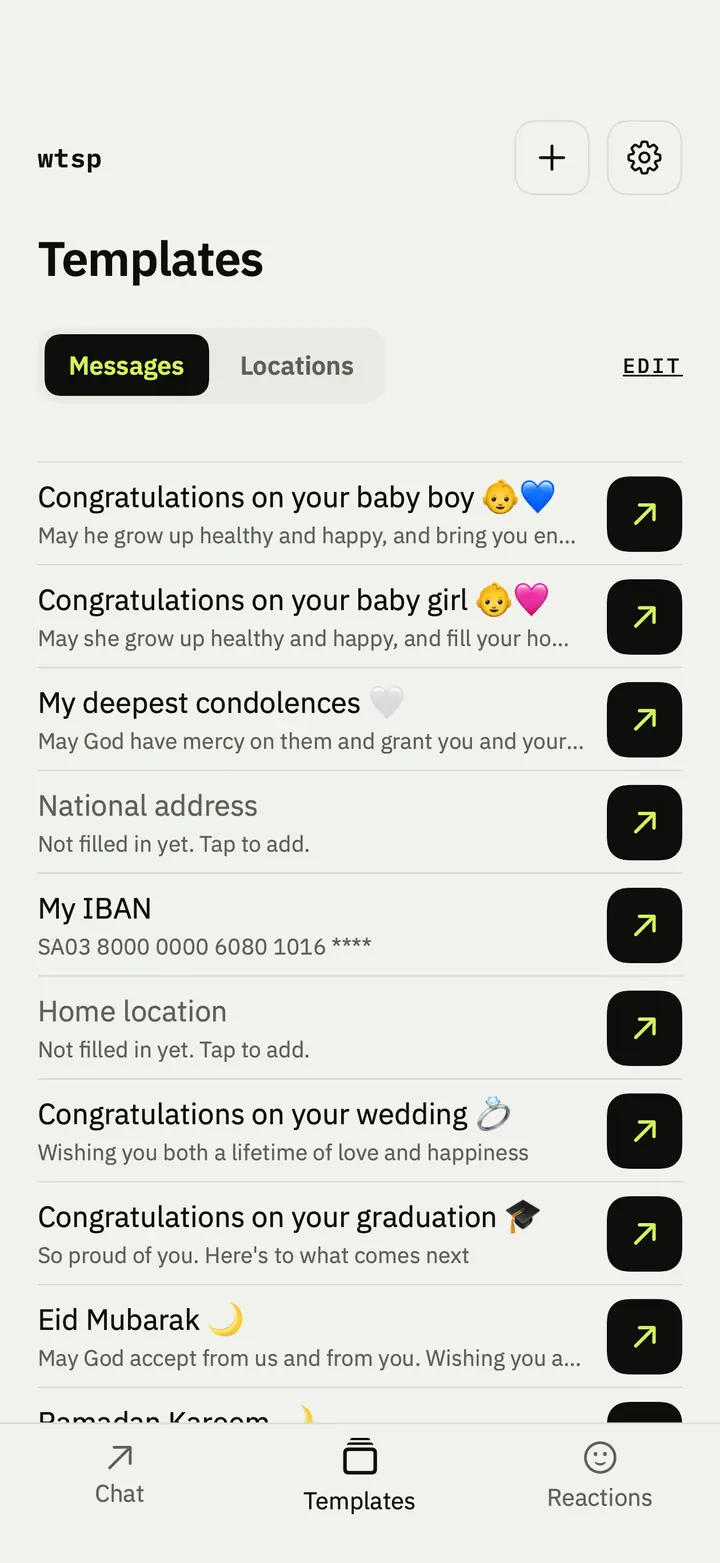
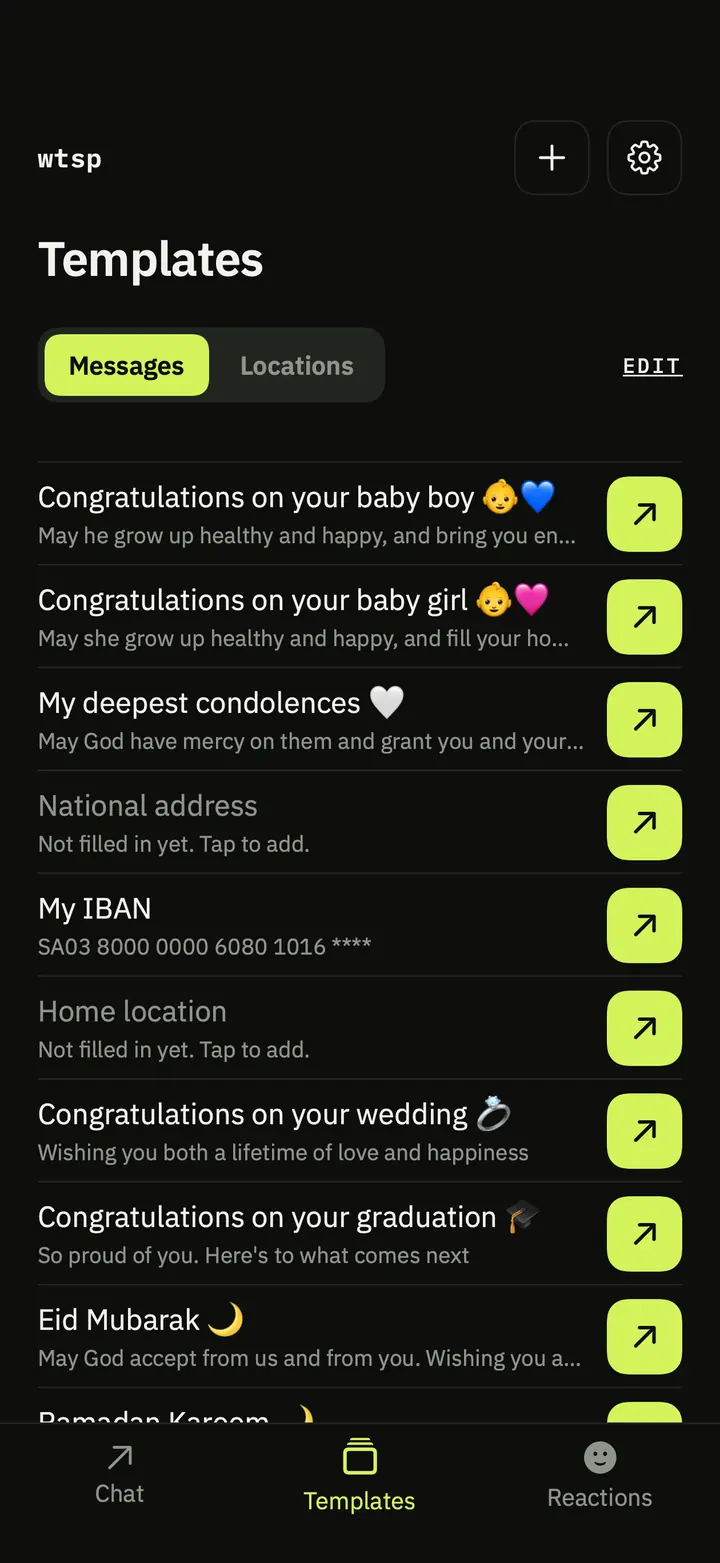
Ready-made messages with emoji, and your own, sent in one tap.
- Congratulations on a new baby boy or girl, condolences, Eid, Ramadan, Jumu'ah and more.
- Write your own, like your IBAN or national address. The first line is its title.
- Tap the arrow: WhatsApp opens with the text ready, and you pick the chat.
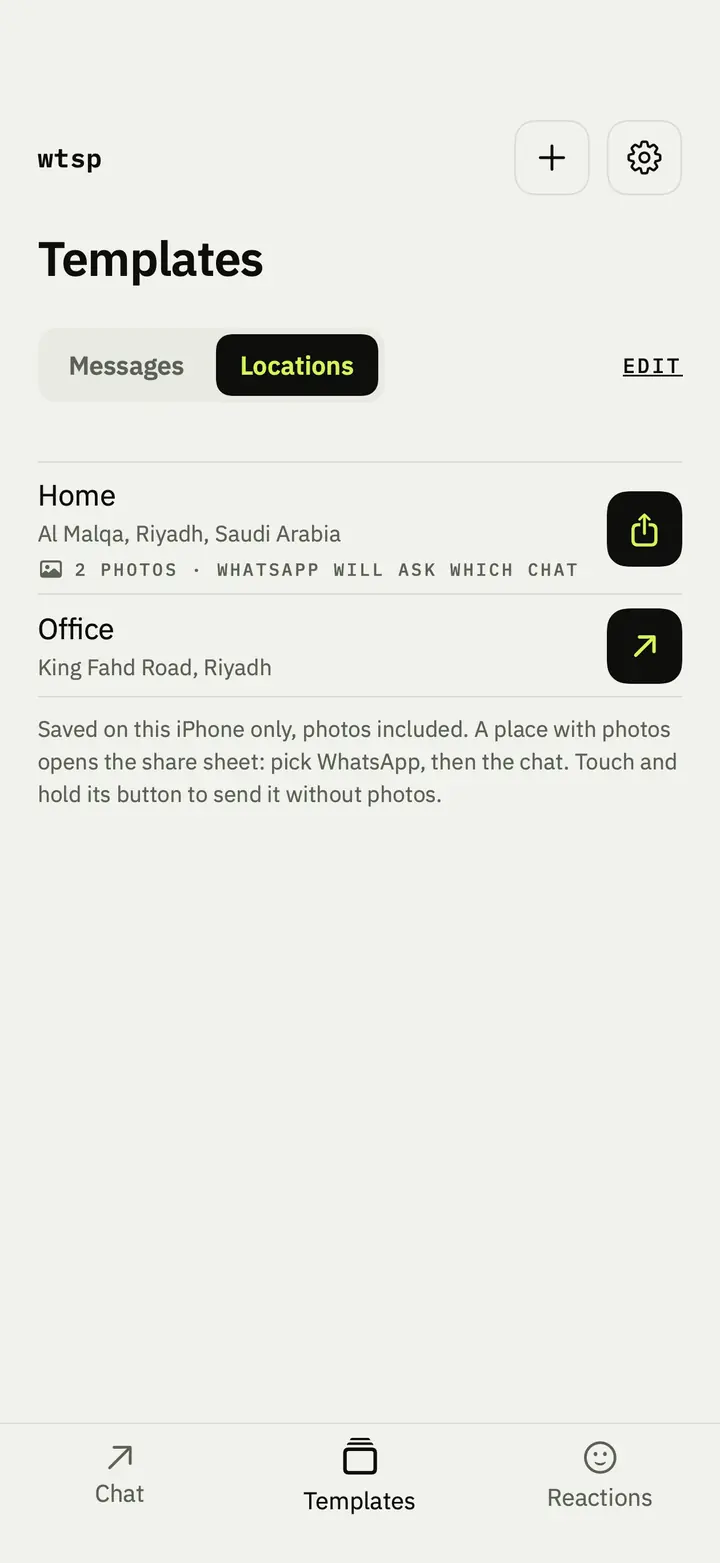
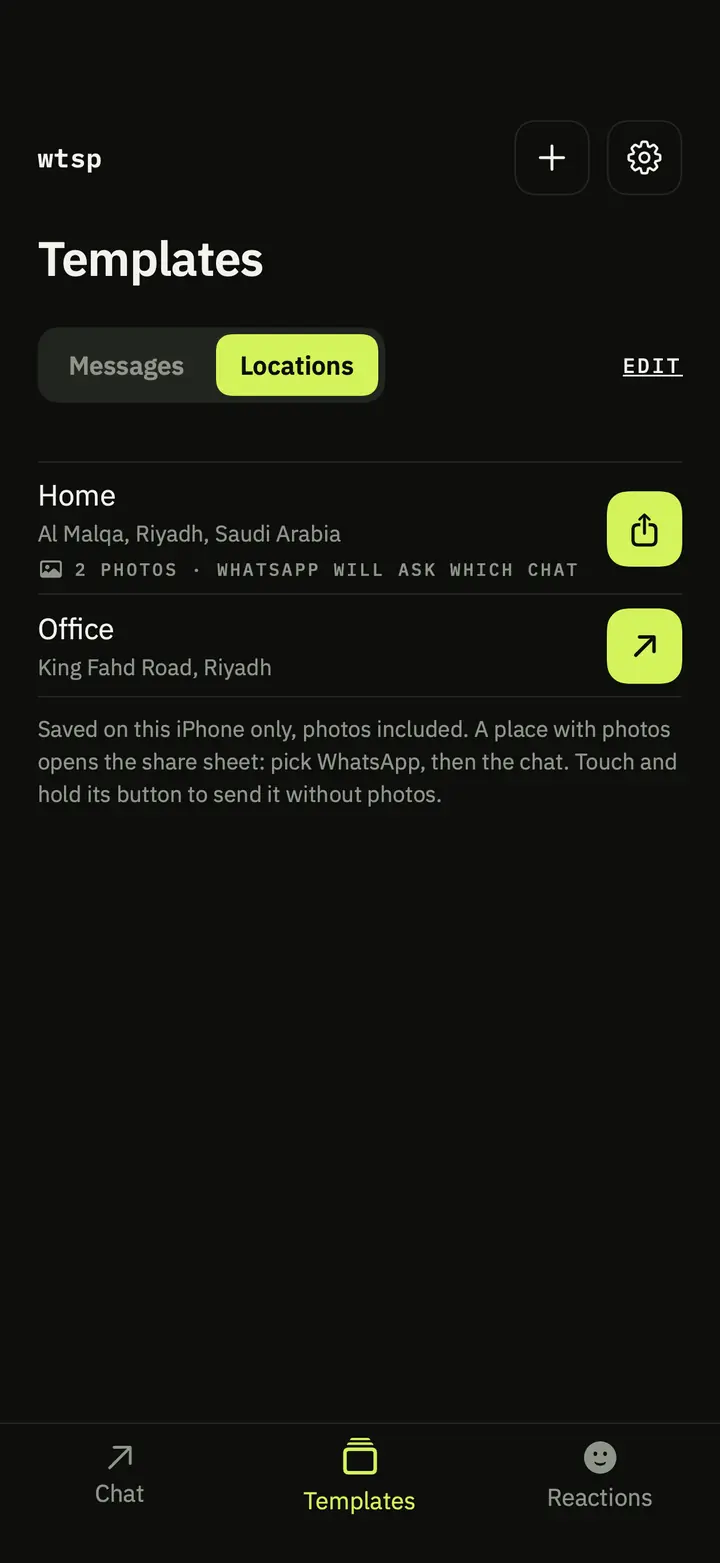
Locations
Save a place once, then send it whenever someone asks where you are.
- Pick the spot on the map, or use where you are now.
- The address fills in from the map. Add photos and notes, like the gate or the floor.
- Without photos it goes as text with a map link. With photos, the share sheet sends them all.
Reactions
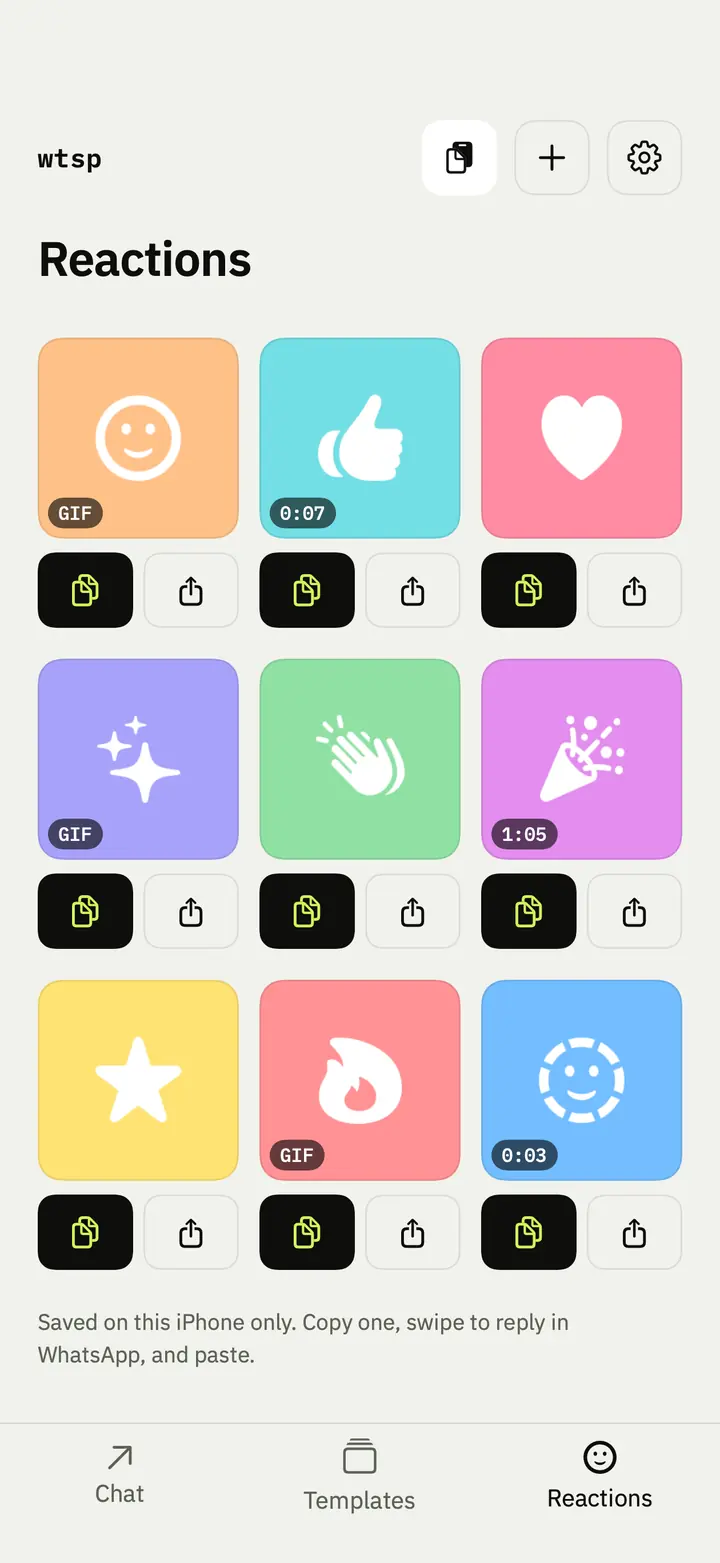
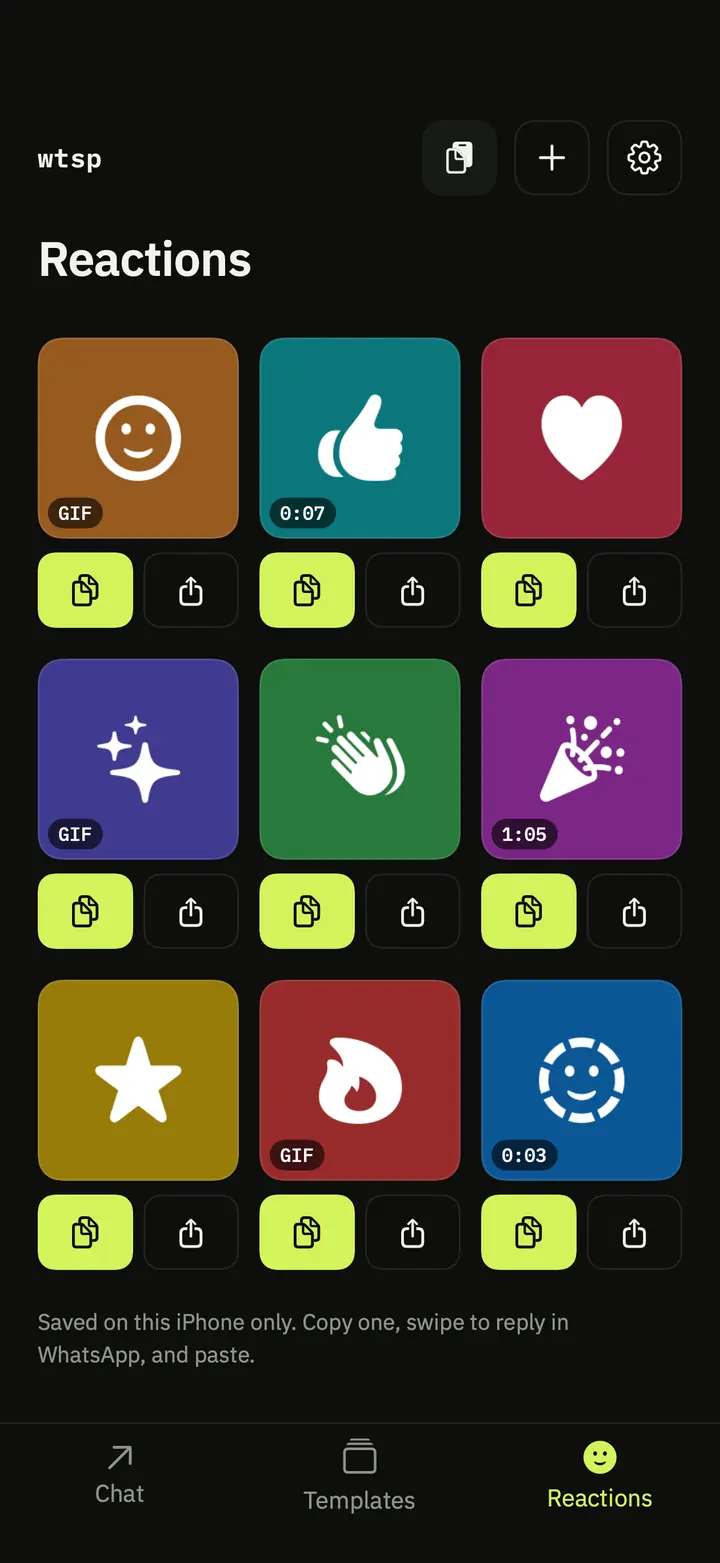
Keep the images, GIFs and videos you reply with in one place.
- Add them from Photos, or paste one you copied.
- Send opens the share sheet for a new message.
- Copy puts it on the clipboard: swipe to reply in WhatsApp and paste.
- The ones you use most come first.
Widgets
Two widgets for your Home Screen.
- The copied-number widget goes straight into the chat for the number you copied. It fits the Lock Screen too.
- The templates widget sends your messages and places, and WhatsApp asks which chat.


Any number format
It finds the number however it is written.
- Arabic or Latin digits.
- With or without the country code, on its own or inside text.
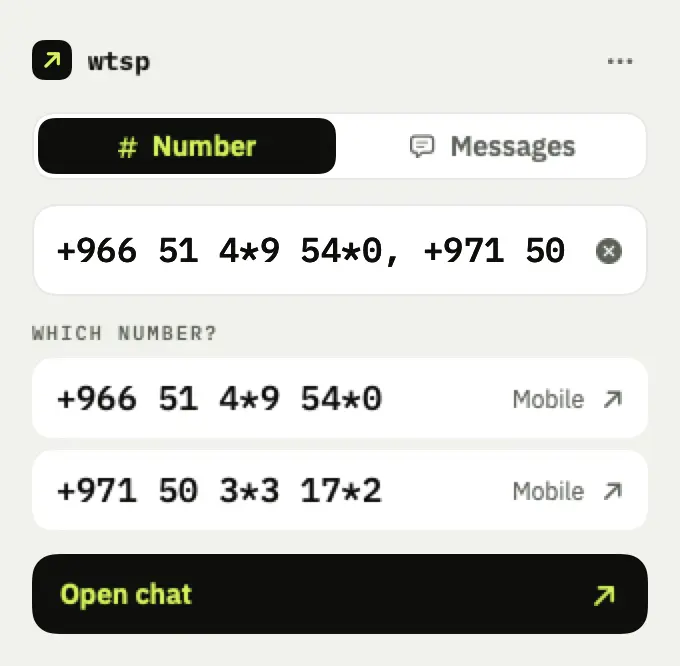
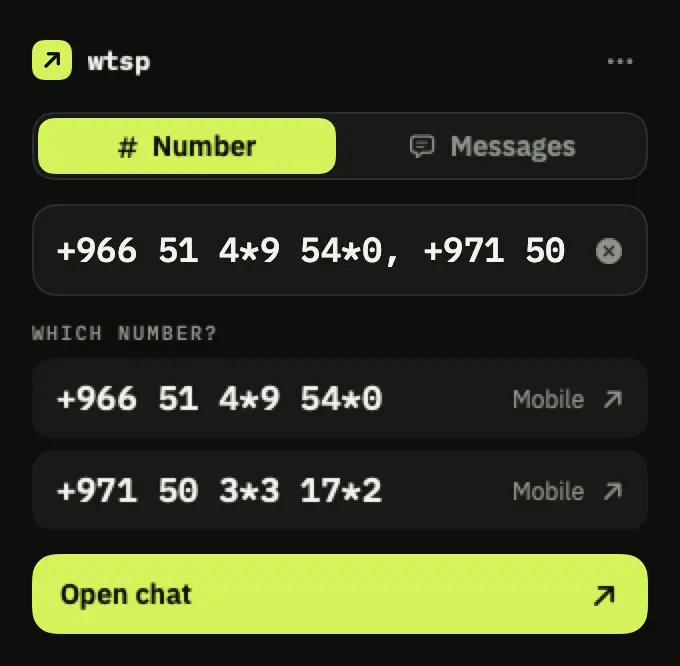
- Several numbers? It asks which one you mean.
No account
No sign-in and no ads.
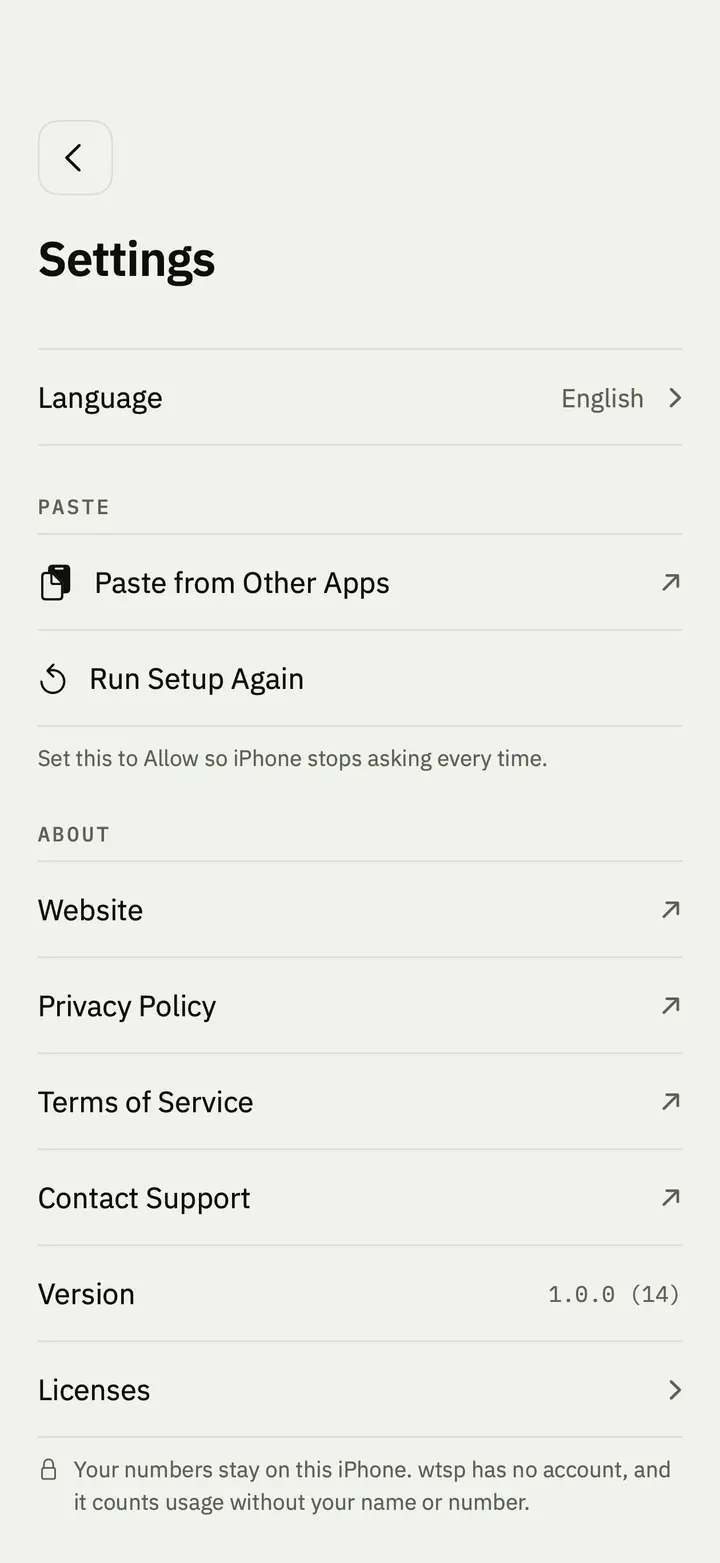
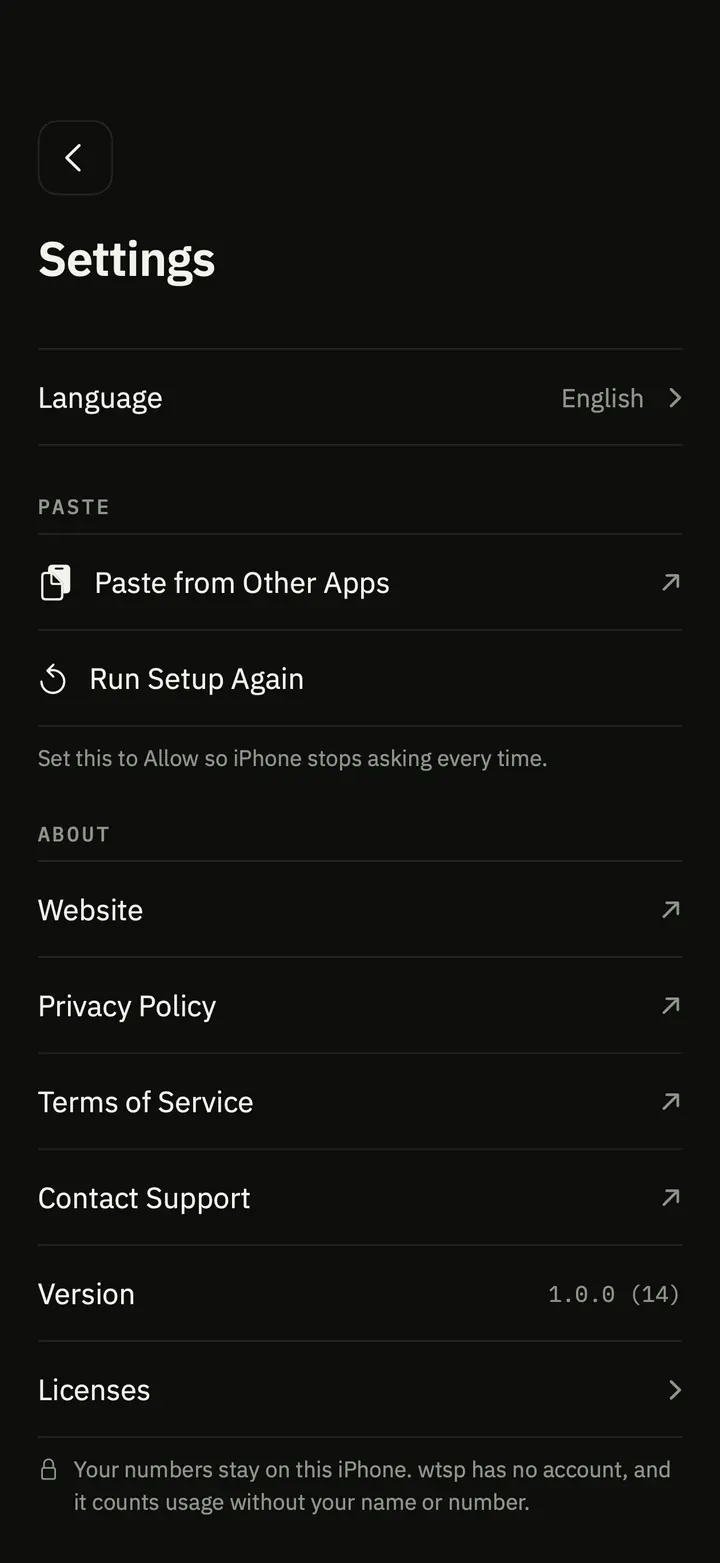
- Nothing to set up beyond two quick steps for paste.
- Your numbers, messages, places and reactions stay on your iPhone.
- Only anonymous usage counts are sent, never numbers or text.
wtsp for Mac
The number box and your messages, in the menu bar.
- Click the arrow in the menu bar, paste a number and press Return. WhatsApp for Mac opens the chat.
- Messages: the same ready-made messages, plus your own. The arrow opens WhatsApp and you pick the chat.
- Nothing is collected: no account and no analytics. Your numbers and messages stay on your Mac.
Free. Needs macOS 14 or later. The direct download is notarized by Apple.
Privacy
What you save stays on your iPhone.
Questions
Before you start.
Is it free?
Yes. No ads, no subscription and no in-app purchases.
Does it read my chats?
No. It never sees your WhatsApp chats. It reads what you copied only when you open it or tap the copied-number widget, on your phone, to find the number.
Does it work with WhatsApp Business?
Yes. It opens chats through WhatsApp's own links, which work with WhatsApp and WhatsApp Business.
Where is my data?
On your iPhone. Numbers, messages, places and reactions are never uploaded. Only anonymous usage counts are sent, without numbers or text.
Which iPhones does it work on?
Any iPhone with iOS 17 or later.
Is there a Mac version?
Yes. A small menu bar app with the number box and messages, for any Mac with macOS 14 or later. Get it on the Mac App Store, or download it directly from the wtsp for Mac section above.
Is wtsp made by WhatsApp?
No. wtsp is an independent app, not affiliated with WhatsApp or Meta.
Get wtsp
Free on the App Store for iOS 17 or later, and for Mac with macOS 14 or later.